How to Make a Birthday or Surprise Website With Zero Coding Skills
Turn photos, music and a heartfelt letter into a private website for a birthday, proposal, wedding, apology or long-distance message. A free, no-code guide in Bangla and English.
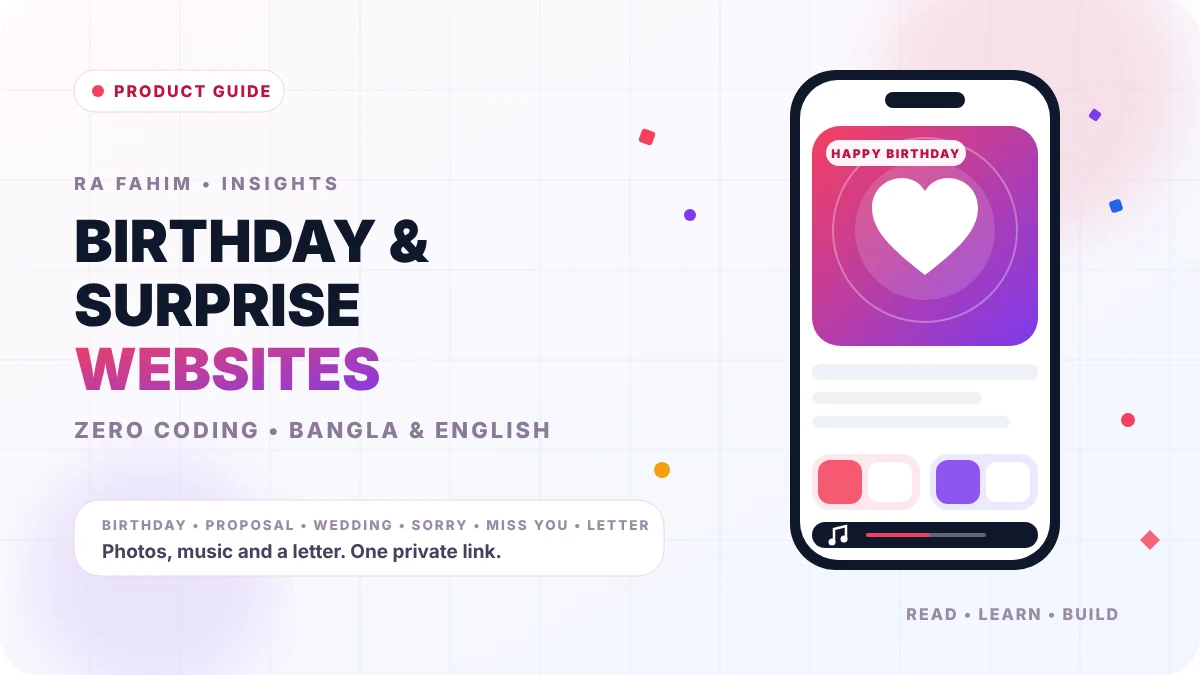
Why a personal website beats a text message
A text message disappears into a chat list, and a paper card is read once and put in a drawer. A personal website gives the person you care about a private corner of the internet: a page with your shared photos, their favourite song and a letter written only for them.
The best part is that none of this needs coding or design experience. In this guide you will see how to turn your feelings into an interactive page using Wishly, a website maker for personal occasions.
What is Wishly?
Wishly is a no-code builder for birthday, proposal, wedding, sorry, miss-you and letter pages. You pick a template, add your photos, music and words, and share one link. The person who receives it does not need an account or an app; they just open the link in a mobile or desktop browser.
Disclosure: I designed and built Wishly. You can read about the product and the stack behind it on the Wishly project page.
Key features that make it easy
Tap any text to rewrite it and tap any photo to replace it, so there are no forms and no code. You can upload your own pictures or import them from Google Photos, choose a song that plays when the page opens, and add a video message if you want a more personal touch.
The platform supports both English and Bangla, so you can write a modern message in English or a deeply felt letter in pure Bangla without broken fonts. Drafts save automatically, and after you publish you can edit your page from the dashboard and republish while the link stays exactly the same.
When the page is ready you can share it with a custom link, a QR code, or straight to WhatsApp and Messenger. You can build and preview everything from your phone.
The 6 occasion categories
Birthday: the flagship category replaces a midnight text with a memory lane. It supports photo galleries that tell the story in order, a countdown to the big moment, and a wish box where friends and family can leave their own blessings.
Proposal: made for love letters and big questions. It uses click-to-reveal cards, floating hearts and a final question such as "Will you be mine?" with Yes and No buttons.
Wedding and anniversary: a digital storybook that follows a couple from the day they met to the wedding day, with romantic music that plays as the page is opened.
Sorry: a calm, quiet place for an apology. Instead of the coldness of a chat app, it gives you room for a long, honest explanation in a gentle layout inspired by Kintsugi, the art of repairing broken pottery with gold.
Miss You: a bridge for long-distance relationships, with inside jokes, milestone counters and small pop-ups that show how much the person is missed.
Letter: a minimal digital envelope for thank-you notes, mentor messages or everyday appreciation. It removes clutter so elegant typography and soft colours let your words stand out.
Across these six occasions the site offers 31 ready-made templates, including two Bangla proposal designs, and you can preview any of them before you start.
Built for phones and slow connections
Most people will open your surprise on a phone, so the pages are built mobile-first and kept light. The network is routed through Cloudflare for protection and global caching, which helps pages stay available and load quickly even on average mobile data in Bangladesh.
Music is the trickiest part of any celebration page, because mobile browsers block audio that starts on its own. Wishly works with that rule instead of fighting it: the music begins after a tap, for example when the visitor opens a letter, so it can fade in smoothly on Android and iOS and the visitor can turn it on or off.
3 simple steps to launch your website
Step 1, pick a template: open the templates hub, browse the occasions and preview the layout that fits your theme. Step 2, make it yours: use the visual editor to add clear portrait photos, choose a song and write your letter. Step 3, publish and share: choose your link, press publish, then send it by WhatsApp or Messenger or print the QR code.
The whole process takes less time than wrapping a physical gift, and creating an account, picking a template and building your page is free.
Tips for a page people remember
Choose fewer, stronger photos instead of dumping a whole camera roll, and put the most meaningful one first. Keep the letter personal and specific: a single real memory is worth more than a long list of generic wishes.
Before you send the link, open it on your own phone with the sound on and read it once as the receiver would. Then schedule the moment: sending the link just after midnight or at a planned time makes the surprise feel intentional.
Wishly at a glance
Cost: free to create an account, choose a template and build a page. Occasions: birthday, proposal, wedding and anniversary, sorry, miss you and letter. Languages: English and Bangla with native typography. Sharing: link, QR code, WhatsApp and Messenger. Editing: edit and republish any time without changing the link.
Ready to try it? Open Wishly, pick a template and have your first page live in a few minutes. If you need a fully custom website for a business or product, take a look at my web development services or get in touch.
Frequently asked questions
- Do I need coding or design skills to make a birthday website?
- No. With Wishly you pick a template and edit text and photos by tapping them, so no coding or design experience is needed.
- Does the person receiving the website need an account or an app?
- No. They only need the link, which opens in any mobile or desktop browser.
- Can I change the website after I share the link?
- Yes. You can edit the page from your dashboard and republish, and the link stays the same.
- Does it support Bangla?
- Yes. Wishly supports both English and Bangla, and includes templates written in Bangla.
- Is it free to create a surprise website?
- Creating an account, choosing a template and building your page is free. Check the site for any current plan details.